วิธี Remote Desktop เข้า Windows Server
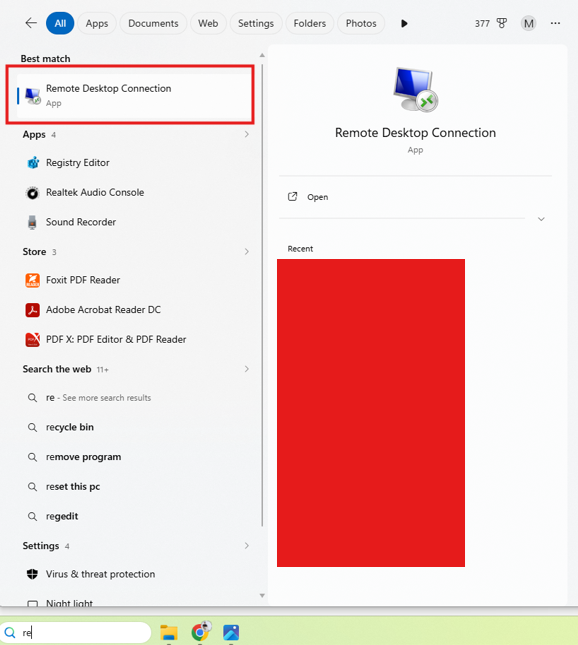
ขั้นตอนที่ 1: ค้นหา Remote Desktop
ค้นหาจากช่องค้นหาของ Windows และค้นหาคำว่า Remote Desktop หรือพิมพ์ ย่อ ๆ ว่า RDP
ขั้นตอนที่ 2: การ Remote เข้า Server
หลังจากที่เปิด Remote Desktop แล้วให้ใส่ IP Address ของ เครื่อง Server ลงไป แล้วกด Connect
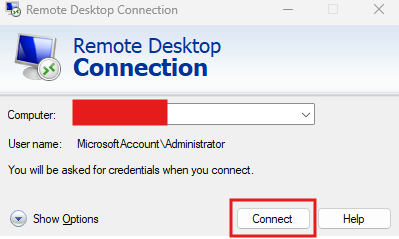
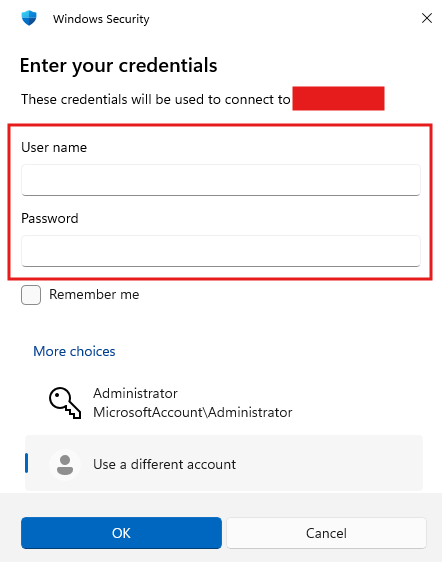
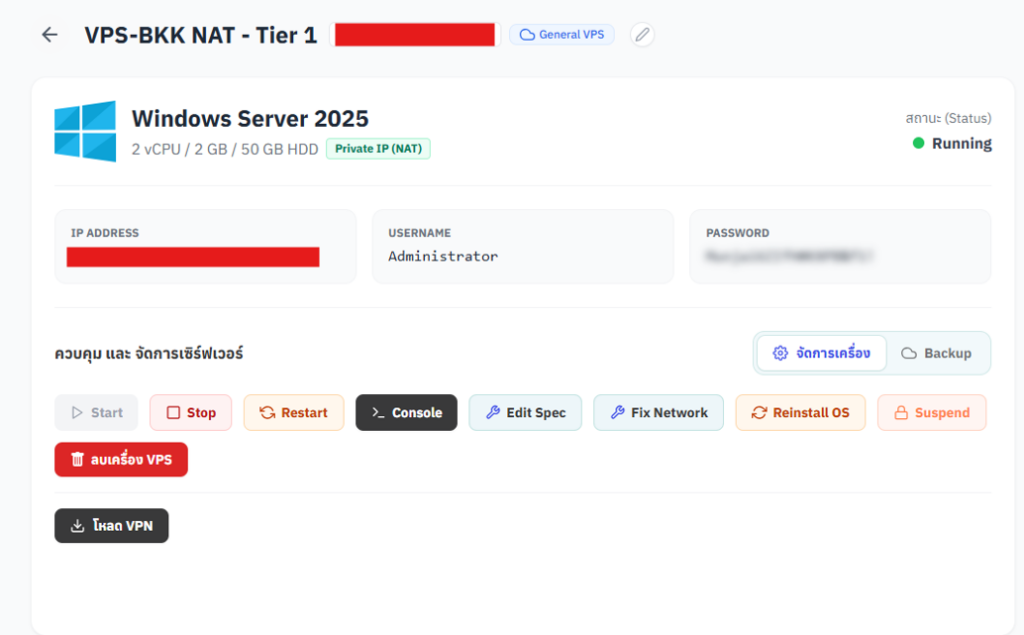
- กำหนด Username: Administrator สำหรับใช้ Login
- Password ตามที่แสดงในหน้า VPS ของฉัน
กด More Choices
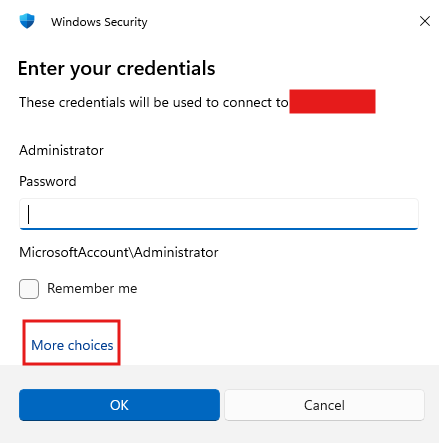
กด Use a different account
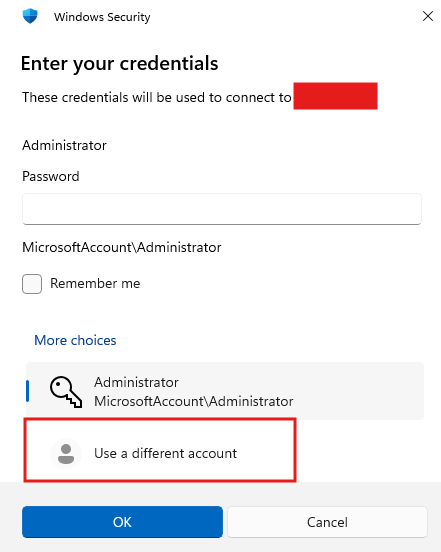
กรอก Username , Password แล้วกด OK เพื่อเชื่อมต่อไปยัง Server